{"_id":"3thisistest","_rev":"2-f60b5ad75e812297a8bd227af782e47a","name":"3thisistest","dist-tags":{"latest":"3.2.1"},"versions":{"3.2.1":{"name":"3thisistest","version":"3.2.1","description":"Simple calculator API hosted on APIMATIC","main":"./lib/index.js","scripts":{"lint":"eslint lib","test":"mocha --recursive"},"keywords":[],"author":{"name":"APIMATIC SDK Generator"},"bugs":{"email":"support@apimatic.io"},"devDependencies":{"eslint":"^3.18.0","eslint-config-airbnb":"^14.1.0","eslint-plugin-import":"^2.2.0","eslint-plugin-jsx-a11y":"^4.0.0","eslint-plugin-react":"^6.10.3"},"dependencies":{"request":"^2.55.0","mocha":"^3.1.2","chai":"^3.5.0","moment":"^2.17.1"},"eslintConfig":{"extends":"airbnb","env":{"commonjs":true,"node":true,"mocha":true},"rules":{"indent":["error",4],"no-underscore-dangle":0,"strict":0,"prefer-rest-params":0}},"_id":"3thisistest@3.2.1","_shasum":"38074504219a0dc27d62466a707ed2d608f64395","_from":"/usr/src/app/sdk","_npmVersion":"1.4.21","_npmUser":{"name":"hassanj","email":"hassan.jalil576@gmail.com"},"maintainers":[{"name":"hassanj","email":"hassan.jalil576@gmail.com"}],"dist":{"shasum":"38074504219a0dc27d62466a707ed2d608f64395","tarball":"https://registry.npmjs.org/3thisistest/-/3thisistest-3.2.1.tgz","fileCount":21,"unpackedSize":58891,"npm-signature":"-----BEGIN PGP SIGNATURE-----\r\nVersion: OpenPGP.js v3.0.4\r\nComment: https://openpgpjs.org\r\n\r\nwsFcBAEBCAAQBQJa2YHpCRA9TVsSAnZWagAAXs8QAJaHiG+W7ewykZd4NjV6\nYmFjWIOCezwyWLnUeNFL5Uo8jJCHbktwG4ACS7iH7RU8wF8AGjSnU4DKmC59\n15kWK2fMXzxGJB13EFXZqBrtxaUF/ubQ5IPl+hRKAp4qaIRdZYzRQSXvskMj\nKM9tTfcEy8aGNuh40wy7lH220ojMelnC4ZtRHzyuOwgR2C2LkunBWPk+BKy1\nCS5VOasTkfKhVaK8pnbiYM0BnvOZiDHzHEnjDpqZQFtZ3tSO/xBl0bNkp0u1\nlYIDhiyQCZF7ugaX2+NB6vN6hYnEC57fWEWw82b5/JyPjH+TUz1tzyTaMEKp\nelLTLangZxztMhZAgWvy8E2IElcT3aVVylwHP15+wSrohtd89FBIVJeEVBfH\n4gvCFgitZ+xToJbrJ/kETShsg53C7XykSmR0lc0wTaZB0CCkgQZYo3u+0VeO\nyqn0S9sDWKyeimFK4E+Ab3GRq68YVeAJ5C2/na1prpDRY1Z3sXydFNzHXUeO\nLzJGq1I4tFggLfbMNq/B84fon5fiHipdYiwQPxFZMm9fRWQVJjrN5BxdwDkr\nv4g2ftf0UAQyhrcbSD1Zr48/LVXY5MvuG99yW1r15tccm9UdZdHU/JLOIXrn\nG1ufUM15CDMpaAkwdEaEf6CV+paMHPLgswE3qSHjTacGVE5BOFLR804uf86c\n1+9i\r\n=GGKS\r\n-----END PGP SIGNATURE-----\r\n","integrity":"sha512-gxuHxHwVjot2FiTyl/1njkUtKFEty8ltQFdX2VdhLpyqgAD1p067lX66y6DmGyCtkz+hOjzX3cJ23FRBwPf/9w==","signatures":[{"keyid":"SHA256:jl3bwswu80PjjokCgh0o2w5c2U4LhQAE57gj9cz1kzA","sig":"MEYCIQCUByRX38tOvl/+MsdzZB9M+42TueoqryfqO6/CugWkxQIhAKCFQ9h66ZtpGjeOsEa3n5VG8E3r/SqpWZS30pDJkBto"}]},"directories":{},"_npmOperationalInternal":{"host":"s3://npm-registry-packages","tmp":"tmp/3thisistest_3.2.1_1524204009003_0.4177602676336576"},"_hasShrinkwrap":false}},"time":{"created":"2018-04-20T06:00:09.002Z","3.2.1":"2018-04-20T06:00:09.166Z","modified":"2022-06-12T14:07:30.383Z"},"maintainers":[{"name":"hassanj","email":"hassan.jalil576@gmail.com"}],"description":"Simple calculator API hosted on APIMATIC","keywords":[],"author":{"name":"APIMATIC SDK Generator"},"bugs":{"email":"support@apimatic.io"},"readme":"# Getting started\n\nSimple calculator API hosted on APIMATIC\n\r\n## How to Build\r\n\r\nThe generated SDK relies on [Node Package Manager](https://www.npmjs.com/) (NPM) being available to resolve dependencies. If you don't already have NPM installed, please go ahead and follow instructions to install NPM from [here](https://nodejs.org/en/download/).\r\nThe SDK also requires Node to be installed. If Node isn't already installed, please install it from [here](https://nodejs.org/en/download/)\r\n> NPM is installed by default when Node is installed\r\n\r\nTo check if node and npm have been successfully installed, write the following commands in command prompt:\r\n\r\n* `node --version`\r\n* `npm -version`\r\n\r\n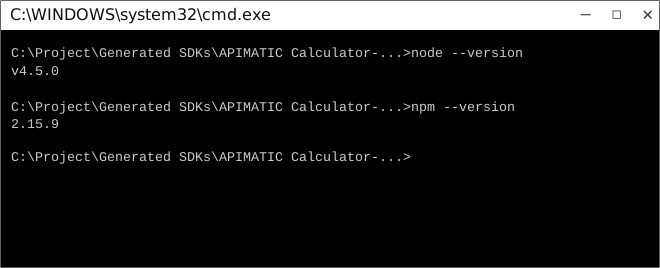\r\n\r\nNow use npm to resolve all dependencies by running the following command in the root directory (of the SDK folder):\r\n\r\n```bash\r\nnpm install\r\n```\r\n\r\n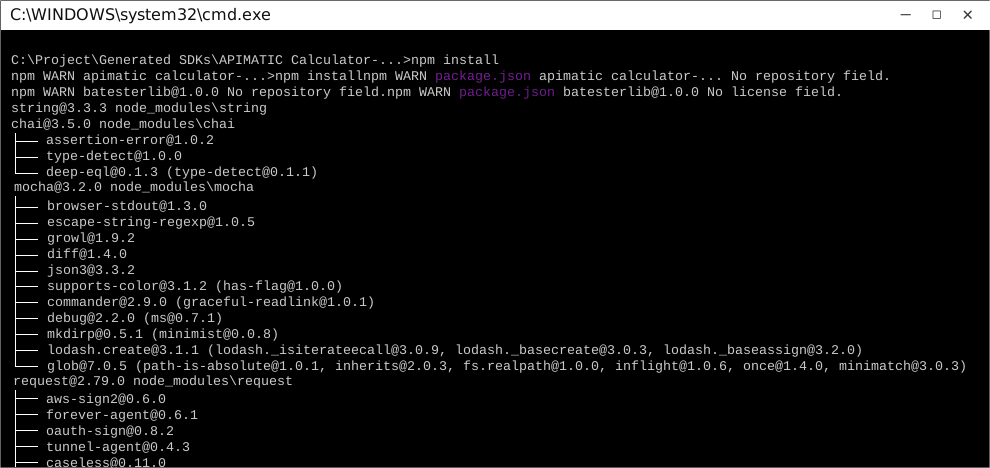\r\n\r\n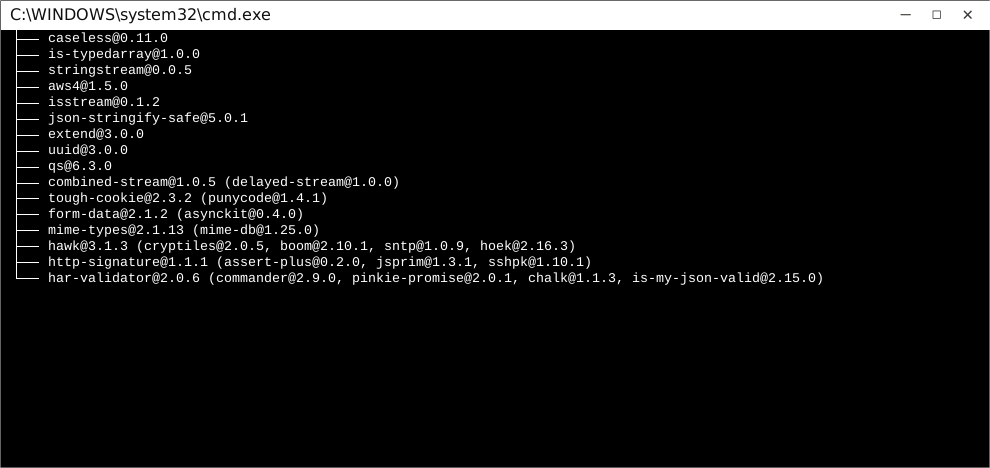\r\n\r\nThis will install all dependencies in the `node_modules` folder.\r\n\r\nOnce dependencies are resolved, you will need to move the folder `APIMATICCalculatorLib ` in to your `node_modules` folder.\r\n\r\n## How to Use\r\n\r\nThe following section explains how to use the library in a new project.\r\n\r\n### 1. Open Project Folder\r\nOpen an IDE/Text Editor for JavaScript like Sublime Text. The basic workflow presented here is also applicable if you prefer using a different editor or IDE.\r\n\r\nClick on `File` and select `Open Folder`.\r\n\r\n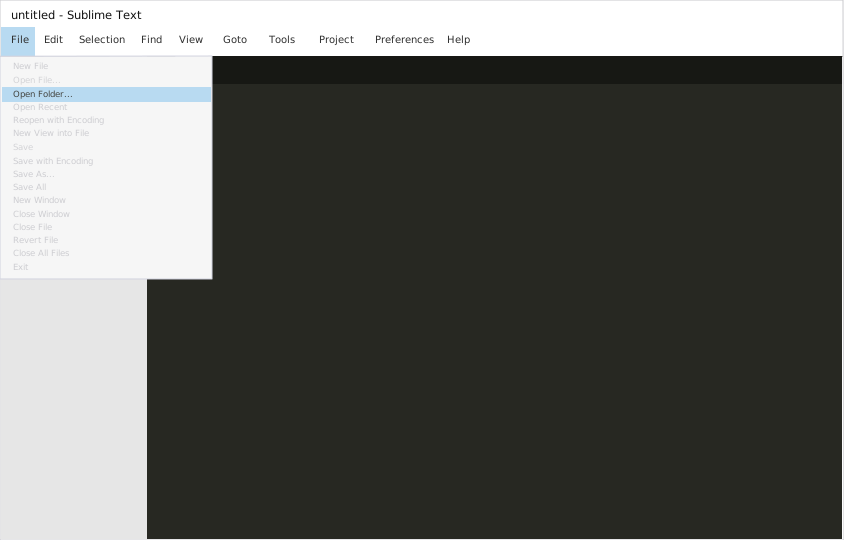\r\n\r\nSelect the folder of your SDK and click on `Select Folder` to open it up in Sublime Text. The folder will become visible in the bar on the left.\r\n\r\n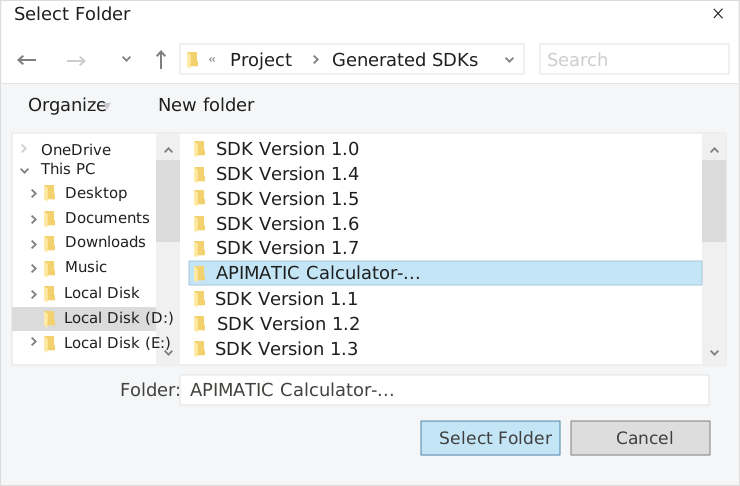\r\n\r\n### 2. Creating a Test File\r\n\r\nNow right click on the folder name and select the `New File` option to create a new test file. Save it as `index.js` Now import the generated NodeJS library using the following lines of code:\r\n\r\n```js\r\nvar lib = require('lib');\r\n```\r\n\r\nSave changes.\r\n\r\n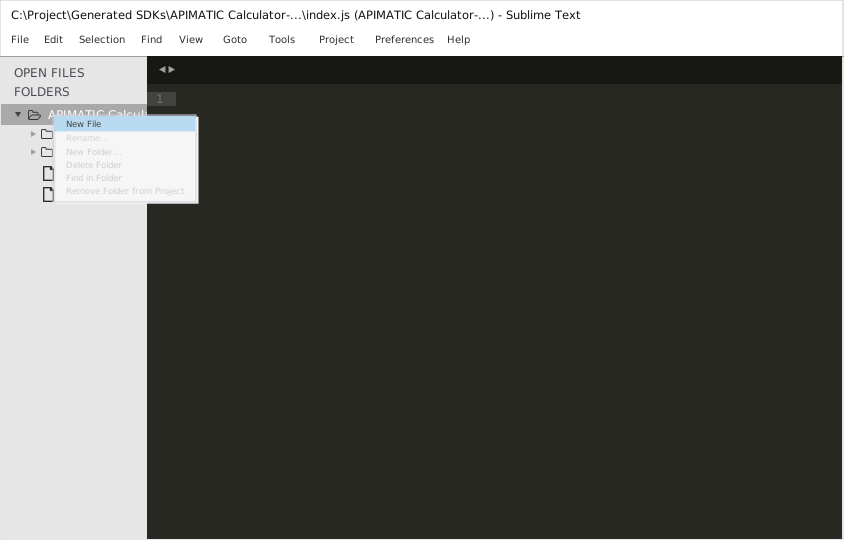\r\n\r\n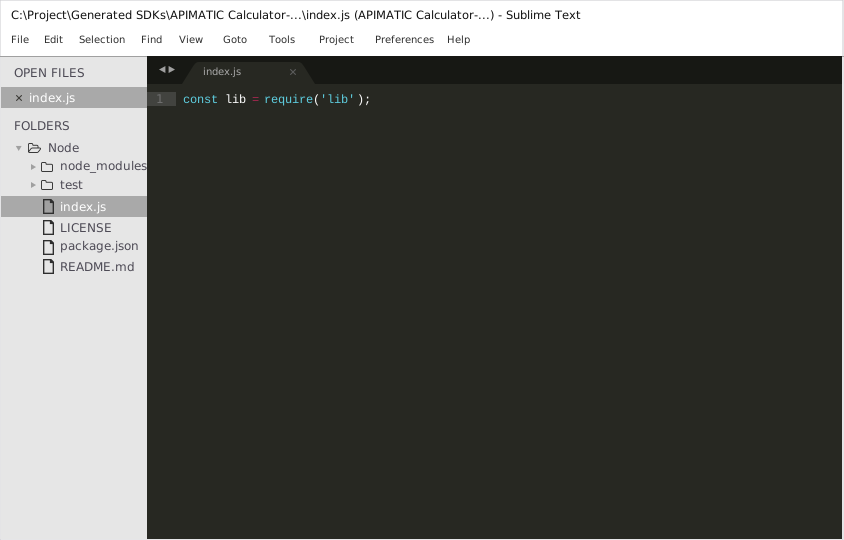\r\n\r\n### 3. Running The Test File\r\n\r\nTo run the `index.js` file, open up the command prompt and navigate to the Path where the SDK folder resides. Type the following command to run the file:\r\n\r\n```\r\nnode index.js\r\n```\r\n\r\n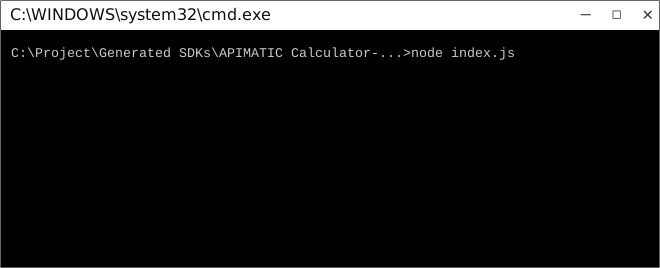\r\n\r\n\r\n## How to Test\r\n\r\nThese tests use Mocha framework for testing, coupled with Chai for assertions. These dependencies need to be installed for tests to run.\r\nTests can be run in a number of ways:\r\n\r\n### Method 1 (Run all tests)\r\n\r\n1. Navigate to the root directory of the SDK folder from command prompt.\r\n2. Type `mocha --recursive` to run all the tests.\r\n\r\n### Method 2 (Run all tests)\r\n\r\n1. Navigate to the `../test/Controllers/` directory from command prompt.\r\n2. Type `mocha *` to run all the tests.\r\n\r\n### Method 3 (Run specific controller's tests)\r\n\r\n1. Navigate to the `../test/Controllers/` directory from command prompt.\r\n2. Type `mocha APIMATIC CalculatorController` to run all the tests in that controller file.\r\n\r\n> To increase mocha's default timeout, you can change the `TEST_TIMEOUT` parameter's value in `TestBootstrap.js`.\r\n\r\n\r\n\r\n## Initialization\r\n\r\n### \r\n\r\nAPI client can be initialized as following:\r\n\r\n```JavaScript\r\nconst lib = require('lib');\r\n\r\n\r\n```\r\n\r\n\r\n\r\n# Class Reference\n\r\n## List of Controllers\r\n\r\n* [SimpleCalculatorController](#simple_calculator_controller)\r\n\r\n##  SimpleCalculatorController\r\n\r\n### Get singleton instance\r\n\r\nThe singleton instance of the ``` SimpleCalculatorController ``` class can be accessed from the API Client.\r\n\r\n```javascript\r\nvar controller = lib.SimpleCalculatorController;\r\n```\r\n\r\n###  getCalculate\r\n\r\n> Calculates the expression using the specified operation.\r\n\r\n\r\n```javascript\r\nfunction getCalculate(input, callback)\r\n```\r\n#### Parameters\r\n\r\n| Parameter | Tags | Description |\r\n|-----------|------|-------------|\r\n| operation | ``` Required ``` | The operator to apply on the variables |\r\n| x | ``` Required ``` | The LHS value |\r\n| y | ``` Required ``` | The RHS value |\r\n\r\n\r\n\r\n#### Example Usage\r\n\r\n```javascript\r\n\r\n var input = [];\r\n input['operation'] = new OperationTypeEnum(MULTIPLY);\r\n input['x'] = 4;\r\n input['y'] = 5;\r\n\r\n controller.getCalculate(input, function(error, response, context) {\r\n\r\n \r\n });\r\n```\r\n\r\n\r\n\r\n[Back to List of Controllers](#list_of_controllers)\n\r\n\r\n\r\n","readmeFilename":"README.md"}